How Can CA Firms Use AI Automation Without Risking Client Trust?
Chartered accountant firms spend many hours chasing documents, typing data and answering the same client questions. AI automation can take over much of this routine work, while partners and staff keep control of every figure and every filing.
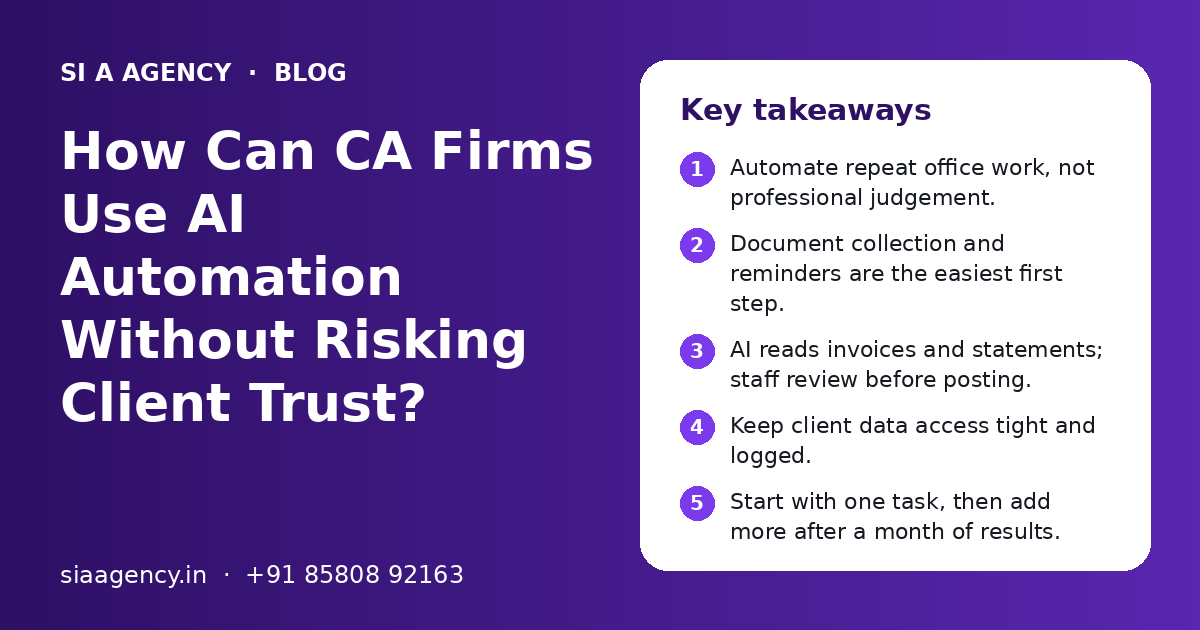
How can CA firms use AI automation?
AI automation for CA firms takes over repeat office work: collecting client documents, reading invoices and bank statements, entering data into accounting software, sending reminders and answering routine client questions on WhatsApp or email. A person still checks the numbers, signs off every return and gives all advice. Start with one task and measure the time saved.
Key takeaways
- Automate repeat office work, not professional judgement.
- Document collection and reminders are the easiest first step.
- AI reads invoices and statements; staff review before posting.
- Keep client data access tight and logged.
- Start with one task, then add more after a month of results.
What does AI automation for CA firms mean?
AI automation for CA firms means using software that can read, sort and write, so routine office tasks happen with less manual typing. It supports your team. It does not replace the chartered accountant.
A typical CA office handles GST returns, TDS, income tax returns, bookkeeping, audits and many small client requests. Much of the work around these services is the same every month. Someone asks a client for documents, follows up, downloads files, renames them, types figures into the accounting software and answers "what is pending from my side?" again and again.
AI tools are now good at this kind of work. They can read a scanned purchase invoice, pull out the GSTIN, invoice number, date, taxable value and tax amount, and put them in a sheet. They can read a client's WhatsApp message and understand that the client wants the status of a return. They can draft a polite reminder in English or Hindi.
If you are new to the idea, our guide to AI automation for small business explains the basics in plain words before you plan anything specific to your practice.
Which tasks in a CA office can AI handle well?
AI handles high-volume, rule-based tasks well: document collection, data extraction, sorting, reminders and first replies to clients. These tasks follow a pattern and can be checked easily by a person.
| Task | What AI can do | Who checks it |
|---|---|---|
| Document collection | Sends a list of needed documents, tracks what came in, follows up on what is missing | Article or junior staff |
| Invoice data entry | Reads purchase and sales invoices and fills a sheet or draft entries | Accounts executive before posting |
| Bank statement reading | Pulls dates, amounts and narration from PDF statements into a table | Staff member who does the reconciliation |
| Client reminders | Sends due-date and pending-document reminders on WhatsApp or email | Manager sets the schedule once |
| Routine client questions | Answers status, timing and document questions from approved notes | Staff take over for anything advisory |
| Email sorting | Tags incoming mails by client and type, such as notice, query or document | Staff review the tags each day |
| Meeting notes | Turns a call recording or notes into a short summary with action points | Partner or manager who led the call |
Our page on AI document processing goes deeper into how files are read and checked. For purchase and sales bills in particular, see AI invoice processing.
Tasks that give the fastest relief
In most practices, the biggest pain is chasing documents before due dates. A simple flow that sends a checklist to each client, records what arrives in a shared folder and reminds only those who are still pending can save many hours in a busy month.
What should a CA firm never hand over fully to AI?
Professional judgement, final figures, filings, signatures and tax advice must stay with qualified people. AI can prepare and suggest, but a person must decide and sign.
AI models can make mistakes. They can misread a blurred figure or give a confident answer that is wrong. In accounting and tax work, a small error can lead to a notice, a penalty or a loss of client trust. So the rule is simple: AI drafts, people approve.
Safe to automate with review
- Collecting and naming client files
- Extracting fields from invoices and statements
- Drafting reminder messages
- First reply to routine status questions
- Summarising long emails or notices for staff
Keep fully human
- Final tax computation and return filing
- Audit opinions and signed reports
- Replies to tax notices
- Advice on tax planning or business structure
- Any decision about a client's money or legal position
How does a WhatsApp assistant help a CA practice?
A WhatsApp assistant answers common client questions at any time, collects documents through the chat and hands complex queries to your staff. It cuts down the number of repeat calls your team takes in a day.
Most Indian clients already send bills and photos to their CA on WhatsApp. The trouble is that these files sit in personal phones, get mixed up across clients and are hard to find later. An assistant on the official WhatsApp Business API can receive the file, link it to the right client, save it to the right folder and confirm receipt.
- "What documents do you need for my return?" The assistant sends the approved list for that service.
- "Did you get my bank statement?" It checks the folder and confirms.
- "When is my GST return due?" It shares the date your team has set in its notes.
- "I got a notice, what should I do?" It collects a copy and passes the chat to a staff member at once.
The assistant should only answer from content your firm has approved. Our page on AI WhatsApp chatbots explains how the official API, message rules and human handover work. If you want it to answer from your own notes and FAQs, a RAG knowledge base chatbot is the usual approach.
How do you start AI automation in a CA firm, step by step?
Start with one painful, repeat task, map how it works today, automate it with a review step, and measure the time saved for a month. Then choose the next task.
- 1
List repeat tasks
Ask each staff member to note the tasks they repeat every week and roughly how long each takes.
- 2
Pick one task
Choose a task with high volume and low risk, such as document reminders or invoice data extraction.
- 3
Map the current flow
Write down every step: where the file comes from, who handles it, which software it goes into and who checks it.
- 4
Decide the review point
Mark where a person must approve before anything is posted, filed or sent to a client.
- 5
Build and test on old data
Run the automation on last month's files and compare the result with what your staff did by hand.
- 6
Go live with a small group
Use it for a few clients first, fix issues, then roll it out to everyone.
- 7
Measure and improve
Track hours saved, errors caught and client response time. Use this to decide the next task.
Tools such as n8n or Make often connect email, WhatsApp, Google Drive and sheets in these flows. Our page on AI workflow automation shows how the pieces fit together, and n8n AI automation covers one tool that can be self-hosted when you want data kept on your own server.
How do you keep client data safe when using AI?
Keep client data safe by giving the AI only the data it needs, using business accounts with clear data terms, controlling who has access and keeping a log of what the automation does.
CA firms hold PAN details, bank statements, salary data and business accounts. Clients trust you with this. Before you connect any AI tool, check where the data goes and who can see it.
- Use business or API plans of AI tools, not free personal chat accounts, for client files.
- Read the provider's data terms and check whether your data is used for training.
- Share only the fields needed for the task. Mask PAN or account numbers where you can.
- Give each staff member their own login and remove access when someone leaves.
- Store files in one controlled place, such as a firm Google Drive or server, not personal phones.
- Keep logs of what the automation read, wrote and sent.
- Tell clients in simple words how you use AI and that a person checks all work.
India's Digital Personal Data Protection Act also applies to the personal data your firm handles, so it is wise to plan consent, purpose and deletion now. Our page on AI agent security explains access limits, approvals and logging in more detail.
AI automation vs hiring more staff: which is better for a CA firm?
For repeat, seasonal work, AI automation is often the better first step, because it scales up in busy months without extra hiring. For advisory and review work, trained people remain essential.
| Point | AI automation | Hiring more staff |
|---|---|---|
| Best for | Repeat tasks with clear rules | Judgement, client care, review |
| Busy season | Handles more volume with the same setup | Needs hiring and training before the rush |
| Accuracy | Consistent, but needs a human check | Varies with experience and fatigue |
| Setup | Needs process mapping and testing | Needs recruitment and training |
| Ongoing cost | Tool and maintenance costs | Salaries and office costs |
| Knowledge | Stays in documented flows | Can leave when the person leaves |
Many firms use both. Automation removes the boring parts of the job, so existing staff can spend more time on review, client calls and advisory work that clients value more.
What mistakes do CA firms make with AI?
The common mistakes are starting too big, skipping the human check, using personal AI accounts for client files and not training staff. Each one is easy to avoid with a simple plan.
- Trying to automate the whole practice at once instead of one task.
- Letting AI output go straight into the books or to a client without review.
- Pasting client statements into free chat tools with unclear data terms.
- Not writing down the current process, so nobody knows what the automation should do.
- Forgetting staff training, so people work around the new system.
If you are unsure where to begin, a short AI consulting session can help you list tasks, rank them by value and risk, and plan a safe first project.
What affects the cost of AI automation for a CA firm?
The cost depends on the number of tasks, the tools you connect, the volume of documents, the need for custom work and the level of support you want. You get a clear quote after a free call.
- How many workflows you want, such as reminders only, or reminders plus invoice reading.
- Which apps must connect: email, WhatsApp Business API, Google Drive, Tally, Zoho Books or a practice management tool.
- Monthly volume of documents and messages, which affects AI usage charges.
- Whether data must stay on your own server.
- Languages needed for client messages.
- Training for staff and ongoing support after launch.
SI A Agency is powered by Shivah Web Tech, with 11+ years of experience and a 25+ member in-house team. We start with a free call, look at your current process and suggest one first project that saves real time. Contact us to book that call.
Related Pages
AI Document Processing
AI that reads forms, PDFs and scans, extracts data and fills your systems.
AI Invoice Processing
AI that reads supplier bills, checks GST details and posts them to your books.
WhatsApp AI Chatbot
AI chatbots on the official WhatsApp Business API for sales and support.
AI Workflow Automation
Multi-step flows that connect apps with AI decisions in between.
Frequently Asked Questions
Can AI replace a chartered accountant?
No. AI can read documents, enter data and send reminders, but it cannot take professional responsibility. Tax computation, audit opinions, filings and advice need a qualified person who understands the client and the law. Think of AI as a fast assistant that prepares work for review. The CA still checks, decides and signs, which is exactly what clients pay for.
Is it safe for a CA firm to use ChatGPT for client work?
It can be, if you use a business or API plan with clear data terms, share only the data needed and keep a person checking every output. Do not paste full client statements into free personal chat accounts. Set firm rules on which tools staff may use and for what tasks, and remove access when staff leave.
Which task should a small CA firm automate first?
Most small firms get the quickest relief from document collection and reminders. An automation that sends each client a checklist, tracks what has arrived and follows up only with pending clients saves many hours before due dates. It is low risk, easy to check and clients usually like the clear updates.
Can AI read scanned invoices and bank statements?
Yes. Modern AI tools can read most clear scans and PDFs and pull out fields such as GSTIN, invoice number, date, taxable value, tax amount and bank narration. Blurred photos and handwritten bills cause more errors. That is why a staff member should review the extracted data before it is posted to the books.
Will AI work with Tally or Zoho Books?
Often, yes. Many setups prepare data in a sheet or file format that can be imported into accounting software, or connect through available integrations. The exact method depends on your software version and how it is hosted. We check this during the free call before suggesting a plan.
Can a WhatsApp chatbot answer tax questions for my clients?
It should answer only routine questions from content your firm has approved, such as document lists, status updates and due dates you have set. Any question about tax treatment, notices or planning should go to a staff member. This keeps advice with qualified people and protects your firm from wrong answers.
How long does it take to set up AI automation in a CA office?
A single, simple flow such as document reminders can often be ready in a few weeks, including testing on old data. Larger projects that connect several apps and handle many document types take longer. Time also depends on how quickly your team can share sample files and approve each step.
Talk to our team today
Call or WhatsApp +91 85808 92163. We reply fast, Monday to Friday.