Common AI Mistakes Small Businesses Make When Adding Chatbots and Automation
Many small businesses try an AI tool, a chatbot or an automation, and then feel it did not help. Most of the time the tool was not the problem. The way it was chosen, set up and run was. This guide lists the common mistakes in plain words, with a simple fix for each.
What are the most common AI mistakes small businesses make?
The most common AI mistakes small businesses make are buying tools without a clear goal, automating a broken process, feeding the AI old or messy information, giving it too much access, skipping human handover, not testing with real questions and not checking results after launch. Each one is easy to avoid with a small, planned start.
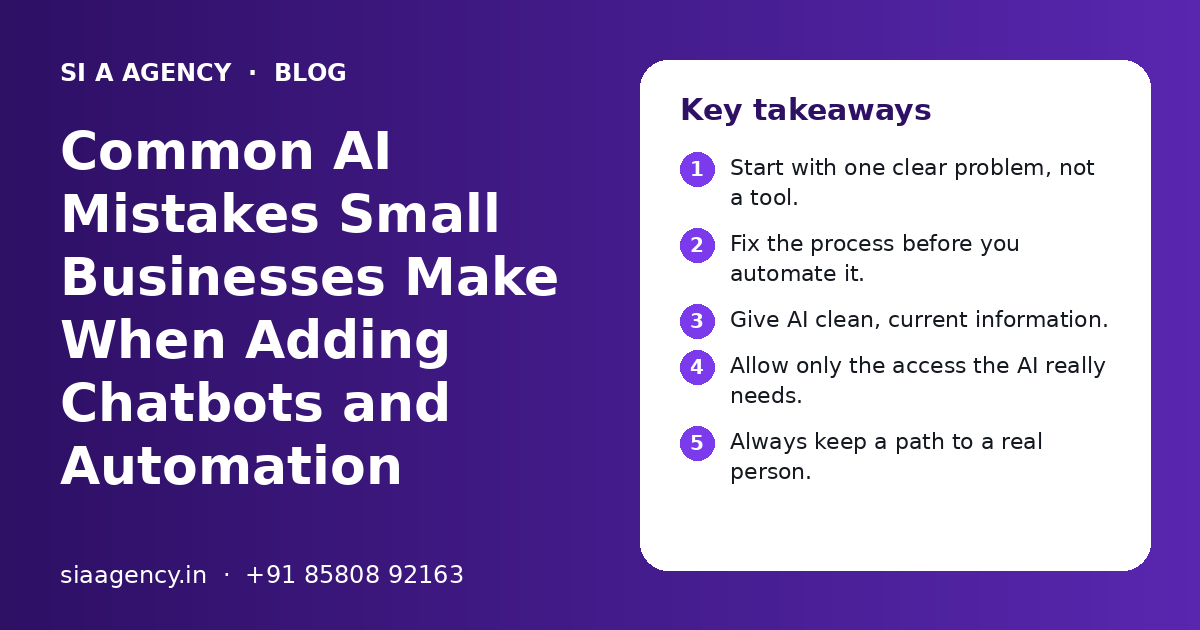
Key takeaways
- Start with one clear problem, not a tool.
- Fix the process before you automate it.
- Give AI clean, current information.
- Allow only the access the AI really needs.
- Always keep a path to a real person.
- Test, launch small and review every month.
Why do AI projects go wrong in small businesses?
AI projects usually go wrong in small businesses because of planning gaps, not because the AI is weak. The tool is chosen first, the goal is vague, and nobody owns the result after launch.
A small business has less room for waste than a big company. If a chatbot gives wrong answers to customers for a month, or an automation sends the wrong invoice, the owner feels it quickly. Trust drops, staff stop using the tool, and the money spent is lost.
The good news is that these AI mistakes small businesses make are well known and easy to avoid. The sections below follow the order in which they usually happen, from choosing a tool to running it after launch.
For a wider view of what AI can do for a small team, see our page on AI automation for small business.
Mistake 1: Are you buying AI tools without a clear goal?
Buying AI tools without a clear business goal is the most common mistake. If you cannot say which task will get faster, cheaper or better, you cannot tell whether the tool worked.
Many owners sign up for a chatbot or an AI writing tool because a competitor has one. A few weeks later, nobody uses it. The fix is to start from a problem, not a product.
| Vague goal | Clear goal |
|---|---|
| We want AI in our business | Answer common WhatsApp questions after 6:30 pm |
| We need a chatbot | Collect name, city and need from every website visitor who asks a question |
| Automate our office | Copy new leads from forms into our CRM without manual typing |
| Use AI for marketing | Draft product descriptions that a person checks before posting |
| Save time on accounts | Read supplier invoices and fill a sheet for the accountant to check |
Write down one goal, who it helps and how you will measure it. Our AI strategy page explains how to pick and order AI projects so they match your business plans.
Mistake 2: Are you automating a process that is already broken?
Automating a broken process only makes the problems happen faster. If leads are already lost because nobody knows who should call them, an AI tool will not fix that on its own.
Before you automate, write the process on paper. Who does what, in which order, and what happens when something goes wrong? You will often find steps that can be removed, rules that are not clear and data that lives in three places.
- 1
Map the current process
Write each step of the task as it happens today, including who does it and which tool they use.
- 2
Remove waste
Cut steps that add no value, such as copying the same data into two sheets.
- 3
Set clear rules
Decide what happens in each case, for example which leads go to sales and which go to support.
- 4
Pick one owner
Name the person who is responsible for the process and its results.
- 5
Then automate
Add automation or AI only to the clean, agreed process.
Our business process automation page shows how we map and clean processes before building anything.
Mistake 3: Are you giving the AI old or messy information?
An AI chatbot or agent can only be as good as the information you give it. Old price lists, outdated policies or messy documents lead to wrong answers, even when the AI model itself is strong.
This is common with chatbots. A business uploads a brochure from three years ago and a few random PDFs, and then wonders why the bot gives wrong timings or old offers. Customers do not know the bot is using old data. They only see a wrong answer from your business.
- Collect the real questions customers ask on WhatsApp, calls and email.
- Write one clear, current answer for each common question.
- Remove old brochures, price lists and policies from the AI's sources.
- Keep one owner who updates the information when something changes.
- Mark what the AI must never answer, such as medical, legal or exact pricing advice.
We cover this in detail in our post on what data an AI chatbot needs. For bots that answer from your own documents, see RAG knowledge base chatbots.
Mistake 4: Are you giving AI agents too much access?
Giving an AI agent more access than it needs is a serious mistake. An agent that can send emails, change records or make payments without limits can cause real damage if it misreads an instruction.
AI agents are different from simple chatbots. They can take actions in other software, such as your CRM, email, calendar or billing tool. That is useful, but every action is also a risk. The safe rule is simple: give only the access the task needs, and nothing more.
- Use read-only access wherever the agent only needs to look up data.
- Keep payments, refunds and deletions behind human approval.
- Use separate logins or API keys for the AI, not the owner's account.
- Keep a log of every action the agent takes.
- Protect customer personal data and follow India's Digital Personal Data Protection Act, 2023.
Our AI agent security page explains access control, approvals and logs in more detail.
Mistake 5: Are customers stuck with a bot and no real person?
Removing the path to a real person is a mistake that quickly hurts trust. Every chatbot and voice agent should hand over to a human when the customer asks, is upset or has a question the AI cannot answer.
AI is good at common, repeat questions. It is weaker with complaints, unusual requests and sensitive topics. A customer who types "talk to someone" three times and keeps getting a menu will often leave and may post a bad review.
Good handover
- Clear "talk to a person" option at every step
- Chat history passed to staff, so the customer does not repeat
- Office hours shown, with a callback promise after hours
- Staff alerted on WhatsApp or email for urgent chats
Poor handover
- Bot keeps looping the same menu
- Staff cannot see what the customer already said
- No reply for days after handover
- No way to reach a person at all
Our AI customer support and AI WhatsApp chatbot pages show how we set up handover to your team.
Mistake 6: Are you skipping testing before launch?
Launching an AI tool without proper testing is risky. You need to test it with real customer questions, in the languages your customers use, before anyone outside the business sees it.
Many problems only show up with real questions. Indian customers often mix Hindi and English, use short forms, send voice notes or ask two things in one message. A bot tested only with neat English questions may fail on day one.
| Test | What to check |
|---|---|
| Common questions | Answers are correct, short and current |
| Tricky or rude messages | The AI stays polite and does not make things up |
| Mixed languages | Hinglish and regional language questions are understood |
| Out-of-scope questions | The AI says it does not know and offers a person |
| Actions and integrations | Leads, bookings or records are saved in the right place |
| Handover | Staff get the chat and can reply quickly |
Start with a small soft launch, such as only after-hours chats or only one product line, before you open it to everyone.
Mistake 7: Are you setting it up and then forgetting it?
Treating AI as a one-time setup is a mistake. Prices, policies, staff and customer questions change, so an AI tool needs regular checks and updates to stay useful.
Set a simple monthly review. Read a sample of chats, check where the AI was wrong or unsure, update the information and look at whether the original goal is being met. This takes little time but keeps quality high.
- Read a sample of real conversations or automation runs.
- List wrong answers, failed actions and handovers.
- Update the information and rules that caused them.
- Check the numbers you chose at the start, such as reply time or leads saved.
- Decide what to improve, pause or expand next month.
Our post on how to measure ROI of AI automation explains which numbers to track.
What other AI mistakes should small businesses watch for?
Other common mistakes include picking a tool that does not connect to your other software, ignoring staff training, starting too big and trusting AI-written content without checking it.
Tools that do not connect
An AI tool that cannot talk to your CRM, sheet or billing software creates more copy-paste work. See our AI CRM integration page.
No staff training
If staff do not know what the AI does or how to step in, they will work around it. Explain it in simple words and invite feedback.
Starting too big
Trying to automate sales, support and accounts at once spreads effort thin. Pick one task, prove it works, then grow.
Publishing AI content unchecked
AI can write wrong facts with confidence. A person should check every post, email or product page before it goes out.
Choosing on price alone
The cheapest option may lack security, support or the ability to grow. Look at the full picture.
How can a small business start with AI the right way?
Start with one clear problem, a clean process, current information, limited access, a human handover and a monthly review. That simple plan avoids almost every mistake in this guide.
You do not need a large budget or a big team. You need a careful start and a partner who explains things in plain words. If you are not sure where to begin, an AI consulting session can help you choose the first project.
SI A Agency is powered by Shivah Web Tech, which has 11+ years of experience, a 25+ person in-house team and 500+ projects, with offices in Mohali (Punjab) and Troy (Michigan, USA). We build chatbots, agents and automation for Indian businesses with safety in mind. Contact us for a free call and a clear quote.
Related Pages
AI Strategy
A step-by-step AI roadmap for your whole business.
AI for Small Business
Simple, low-risk AI automation ideas for small Indian businesses.
AI Agent Security
How to keep AI agents safe: access, approvals, data and testing.
AI Consulting
Honest expert advice on where AI fits and where it does not.
Frequently Asked Questions
What is the biggest AI mistake a small business can make?
The biggest mistake is buying an AI tool without a clear goal. When you do not know which task should improve, you cannot set it up well or tell whether it worked. Start by naming one problem, such as slow replies on WhatsApp after office hours, and then choose a tool that solves that problem.
Why do AI chatbots give wrong answers?
AI chatbots usually give wrong answers because they were given old, unclear or incomplete information, or because they were not told what they should refuse to answer. Keep one clean, current set of answers, remove outdated documents, test with real questions and tell the bot to hand over to a person when it is not sure.
Is it safe for a small business to use AI agents?
AI agents can be safe when they are set up with care. Give them only the access they need, keep payments, refunds and deletions behind human approval, log every action and protect customer personal data. Start with low-risk tasks, such as lead capture or draft replies, before you allow the agent to take bigger actions.
How do I know if my business is ready for AI?
Your business is ready for AI when you have a repeat task that takes a lot of time, a process that is written down and someone who will own the result. You also need current information, such as prices, timings and policies, that the AI can use. If these are missing, fix them first.
Can AI replace my staff?
For most small businesses, AI works best as a helper, not a replacement. It can answer common questions, copy data and draft replies, so staff can spend more time on customers, sales and difficult cases. People are still needed to check results, handle complaints and make decisions that need judgement.
Should I build a custom AI solution or use a ready-made tool?
A ready-made tool is often enough for simple tasks, such as a basic website chatbot or email drafts. A custom solution makes more sense when you need the AI to connect with your CRM, billing or WhatsApp, follow your own rules or work in several Indian languages. A short consultation can help you choose.
Talk to our team today
Call or WhatsApp +91 85808 92163. We reply fast, Monday to Friday.